Act4Wealth Set-up
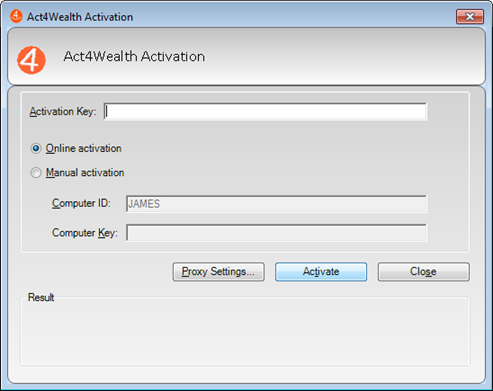
After installing Act4Wealth, Launch Act!. You will see the following screen:
- Enter the Activation Key
- Click Activate
- Click Close
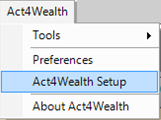
- Click on Act4Wealth on the Act Menu Bar and select Act4Wealth Setup
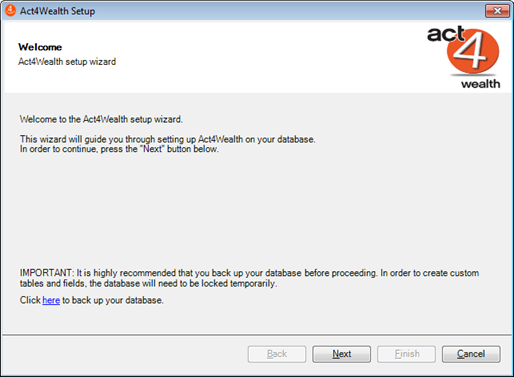
- Act4Wealth Setup – Click Next
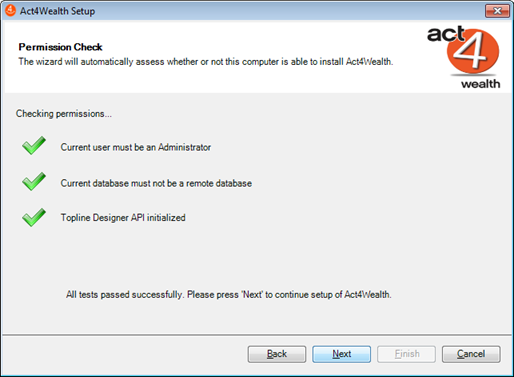
- Click Next
- Choose the features you wish to install (Minimum Required: Contact Schema/Layouts)
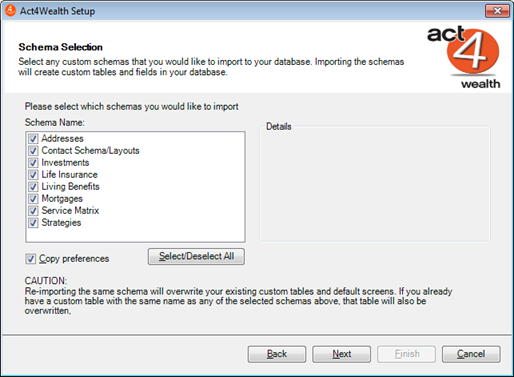
- Click Next
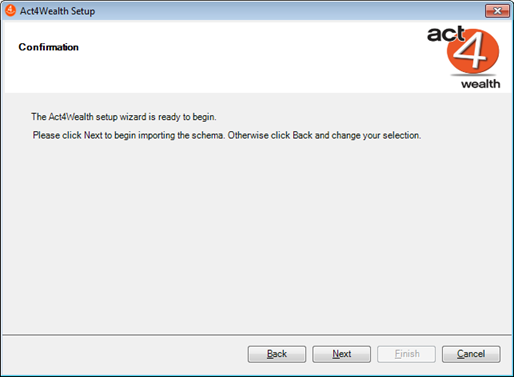
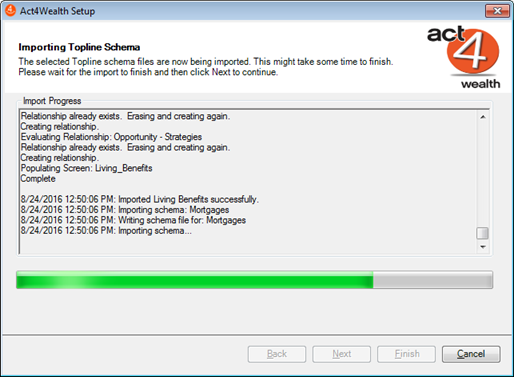
- Act4Wealth is now being setup
- Click OK
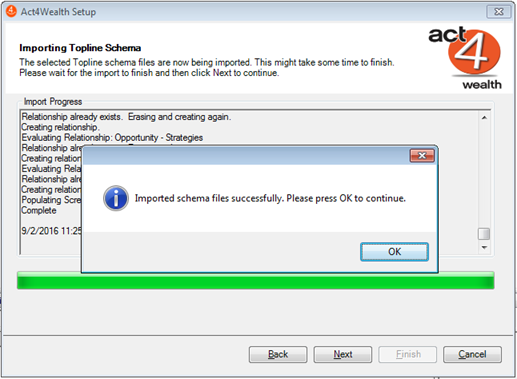
- Click Next
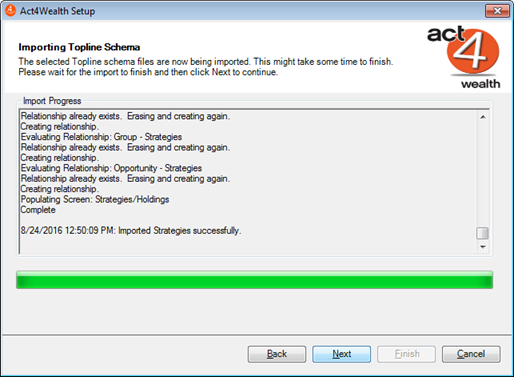
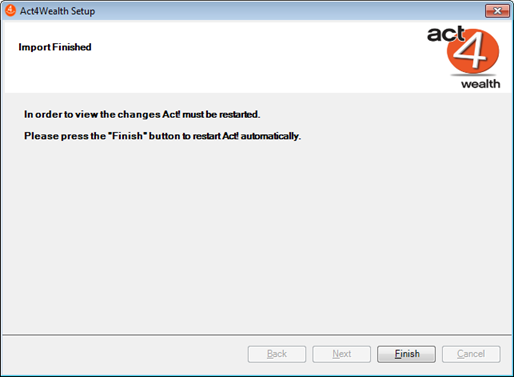
- Click Finish
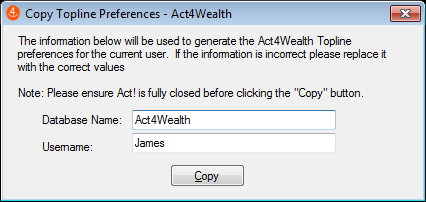
- Act will now Close and launch the Copy Topline Preferences – Click Copy
Note: The Database name and the Username should appear in the window)
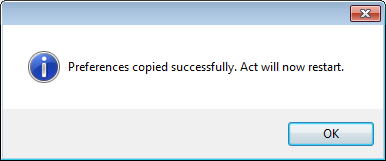
- Click OK to restart Act!
Welcome to Act4Wealth!
x